Rules of Great Website Design

I've thought a lot about website design... So I've written the Rules in the form of a Checklist Manifesto that can be followed top to bottom to make sure you complete your website totally and cross your i's and dot your lower case j's. The rules I've laid out here are by no means the 'standard', hence they are not for everyone nor appropriate for every website. Several go against the grain of what is standard of most websites - because to be honest, most websites are lame both for the user experiencing the site. I also include checklists for the more standard things (like SEO, Favicons, Dark Mode / Light Mode considerations, etc) Use Code to know context of who is visiting: https://www.framer.com/marketplace/components/browser-detector/ Rule: Determine your Analytics Platform(s). Cookies philosophy, legality, rules, work arounds, ways to make it fun and/or unintrusive, and maximum legal coverage scenarios. Accessibility, requirements, best practices, tools & plugins. https://www.framer.com/marketplace/plugins/accessibility-studio/ Blogs: For blogs, we may want a whole section for best design principles, but I would add one would be a useful right click / selection pane that encourages intelligent and helpful actions, there is a fantastic marketplace comp for this: https://www.framer.com/marketplace/components/textactions/

Published in Category:

Software Development

Published on:

Read time:

a computer with a keyboard

What is a Website?

Let's start with an underapreicated fact. When making a website, you have access to a digital canvas that can both be seen and interacted with, that is accessibly anywhere on the internet, anywhere in the world.

  • Infinite Scrolling with custom Spinner component

  • Load More Button with custom Button component

  • Enjoy freeform positioning of both components

  • Design your own Loading and Hidden states

  • Make your CMS Pages much faster to load


Aesthetically Consistent

Beautiful

Maximize Usefuleness
Reactive & Alive: The Philosophy of a Living Website
Design 'Cues' - How to Prompt the Human User Toward Maximum Intelligence

3 Types of Visual Communication: Diagrams, Environmental, & Visual Metaphors
Maximize Brevity (Less > More)


Direct Editing

Blogs should be write-able directly within the blog's interface exactly as it appears to users on the website, so that the author can write in context. They should also be writeable separate from the website's context.


LLM TXT

https://www.framer.com/marketplace/plugins/llm-text-generator/
https://llmstxt.org/


SEO


Website I like and admire, can use for reference:
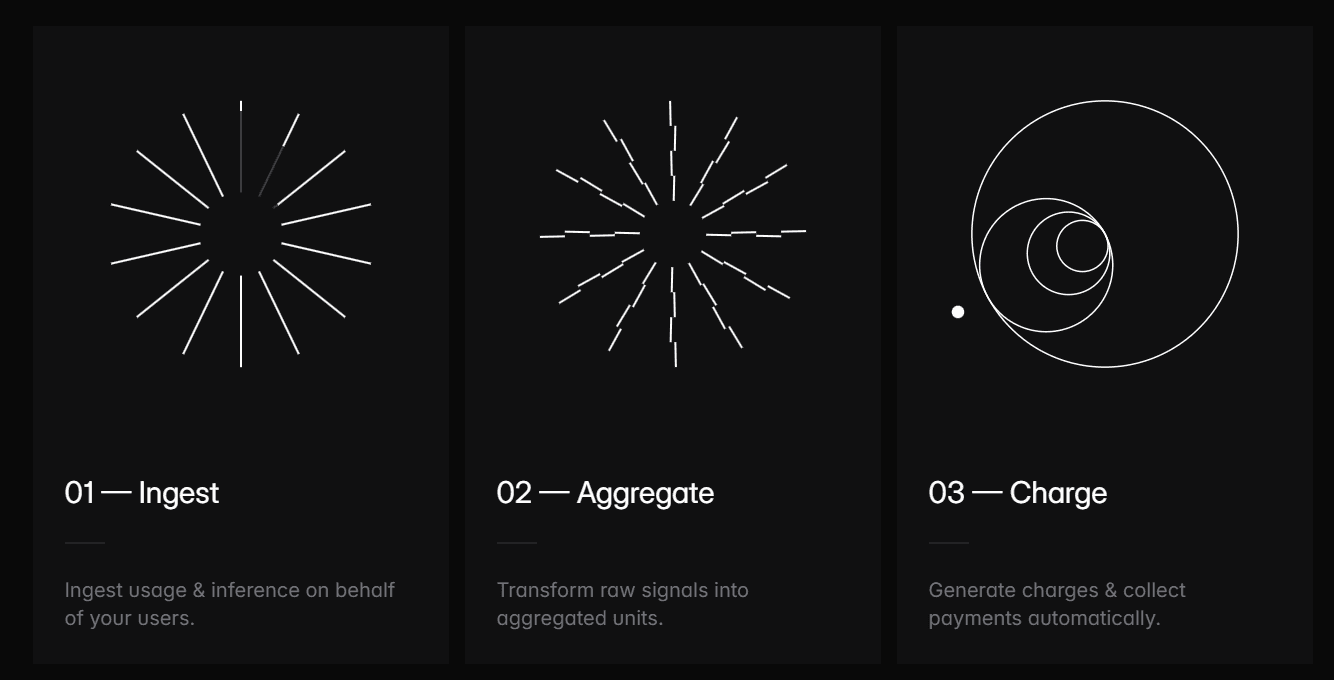
https://polar.sh/


Why: Use of visual metaphors is off the charts, exceptionally simple,

Filtering

We've added the ability to filter your collection lists in the CMS. This allows you to keep your content in a single collection, yet customize how that collection is presented on each of your web pages. For example, if you're creating docs for your app, you might want to filter articles per topic on your homepage. Or when creating a blog, you might want to filter your blog posts per category.

Save To Reading List

Bookmark

Upvote

Double Downvote

Send to Somebody

v05.17.2026

© Conner Torres | 2026